Cloud DMA
External DMA workflow for PC

At a glance
Key capabilities
What Cloud DMA focuses on before you open the full module list.
Plus 4 additional modules in the operator portal—see the full list below.
Overview
Hardware-ready Cloud DMA path
How this build fits ranked, Turbo, and patch-day workflows.
Cloud DMA is the external memory access stack many ARMA REFORGER builds expect. This product covers the DMA side—separate from the in-game cheat menu but required on supported rigs.
Read the Cloud DMA article on the blog and confirm your hardware against checkout notes before you buy the ARMA REFORGER suite or this standalone add-on.
When you need Cloud DMA
Choose this product when your ARMA REFORGER build lists Cloud DMA as required and you still need the DMA stack itself.
Pair with ARMA REFORGER cheats
Most players buy the ARMA REFORGER suite first, then confirm DMA hardware separately. Both checkout flows use secure /go/ redirects.
Modules
What's included
Every module and overlay shipped with Cloud DMA—toggle and tune in the operator portal.
- Compatibility checklist
- Firmware version notes
- External device pairing
- Launch with ARMA REFORGER loader
- Portal documentation
- Support email escalation
Experience
In the client · After you buy
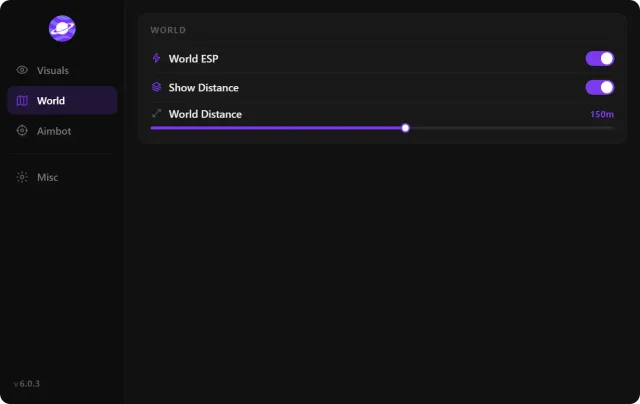
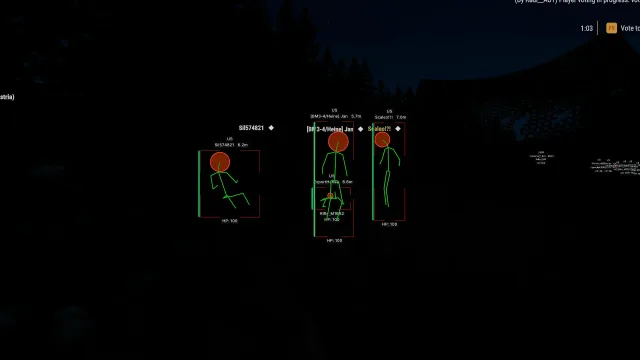
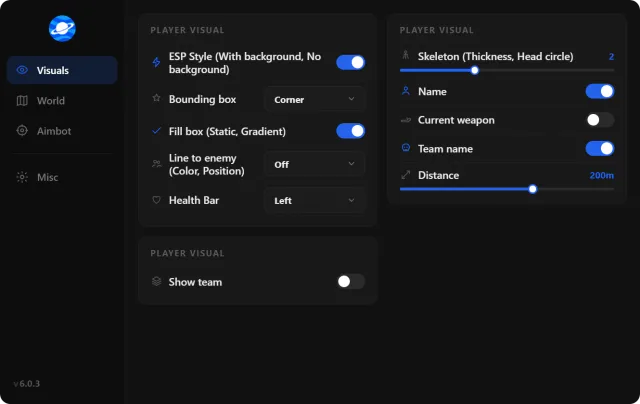
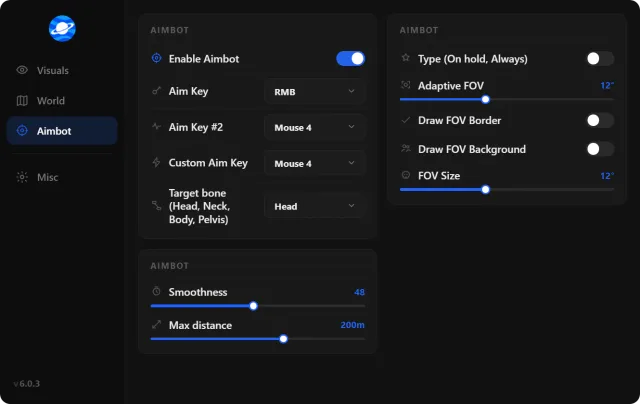
Use the screenshots above for Cloud DMA—below is what each layer means and how access works after checkout.
In-game layers
- Layer A
World awareness
Distance readouts, weapon labels, and team filters across open terrain.
- Layer B
Misc & configs
Menu keybinds, FPS limit, watermark toggle, and saved config profiles.
- Layer C
Aimbot options
Custom aim key, target bone selection, smoothness, and FOV border drawing.
Guides
Learn more about Cloud DMA
Curated articles for setup, tuning, and patch-day checks that match this product.
What Cloud DMA compatibility means and what to verify on your PC before checkout.
Step-by-step secure checkout and first-launch checklist.
Configure hold vs always-on aimbot, pick target bones, and draw adaptive FOV without overshooting.
Balance corner boxes, gradient fills, skeleton thickness, and team filters for clear wallhack-style overlays.
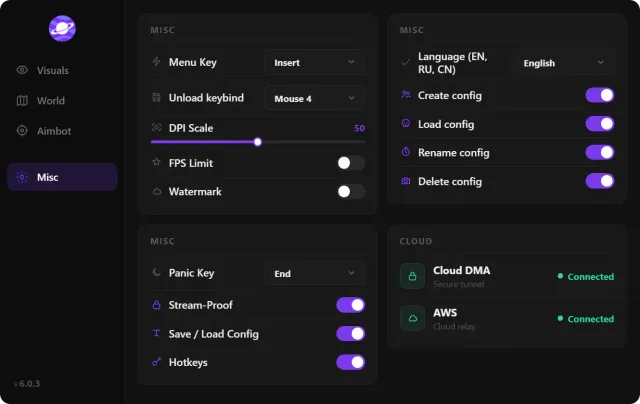
Save ranked and casual presets with create, load, rename, and delete config tools.
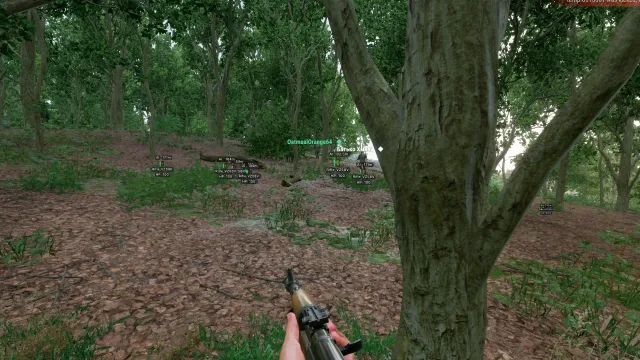
Reduce on-screen noise while keeping distance, weapon, and line-to-enemy intel.
FAQ
Questions about this page
Answers tied to what you are reading—visit the FAQ page for every topic.