HWID Spoofer
Hardware ID tooling for PC

At a glance
Key capabilities
What HWID Spoofer focuses on before you open the full module list.
Plus 6 additional modules in the operator portal—see the full list below.
Overview
Fresh identifier workflow
How this build fits ranked, Turbo, and patch-day workflows.
Use HWID tooling when new accounts fail on one PC but work elsewhere—classic hardware enforcement. This is not an account-unban service.
Restore points, driver cleanup, and cold reboot steps ship in the portal. Run verification before you load ARMA REFORGER modules.
When HWID spoofing applies
Hardware bans block fresh logins on the same machine. Spoofing addresses identifiers—not server-side account flags.
Workflow overview
Create a restore point, run cleanup, apply spoof profiles, reboot, verify identifiers, then load conservative game presets.
Modules
What's included
Every module and overlay shipped with HWID Spoofer—toggle and tune in the operator portal.
- Spoofer & cleanup bundle
- Serial profile rotation
- MAC spoof profiles
- Compatibility scan
- Verification checklist
- Portal support channel
- One-click restore notes
- Windows 10/11 support
Experience
In the client · After you buy
Use the screenshots above for HWID Spoofer—below is what each layer means and how access works after checkout.
In-game layers
- Layer A
Misc & configs
Menu keybinds, FPS limit, watermark toggle, and saved config profiles.
- Layer B
World awareness
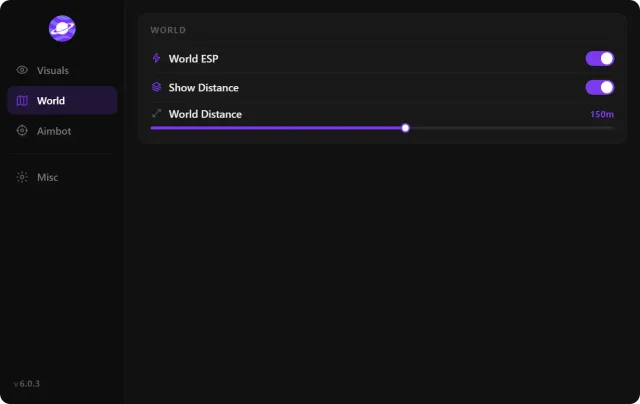
Distance readouts, weapon labels, and team filters across open terrain.
Guides
Learn more about HWID Spoofer
Curated articles for setup, tuning, and patch-day checks that match this product.
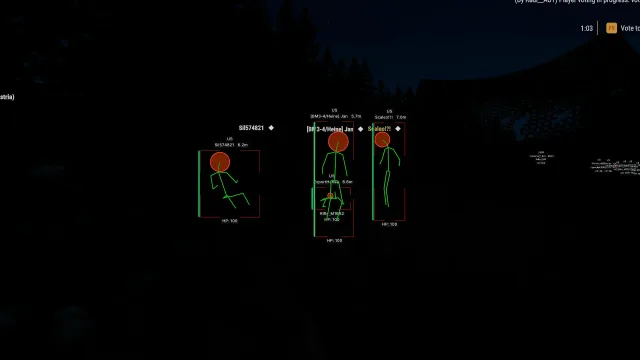
Step-by-step secure checkout and first-launch checklist.
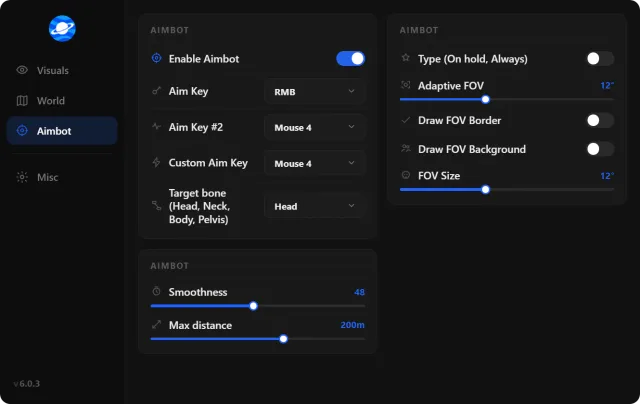
Configure hold vs always-on aimbot, pick target bones, and draw adaptive FOV without overshooting.
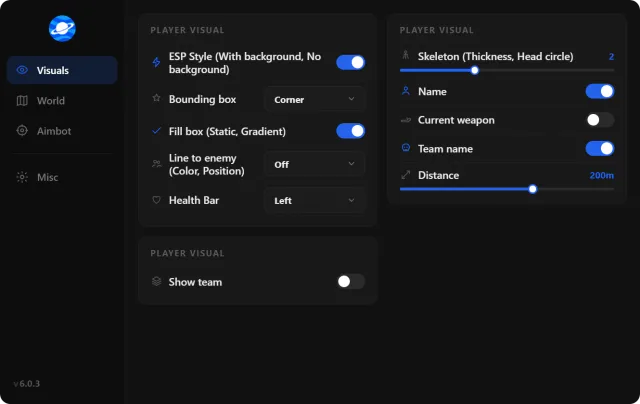
Balance corner boxes, gradient fills, skeleton thickness, and team filters for clear wallhack-style overlays.
What Cloud DMA compatibility means and what to verify on your PC before checkout.
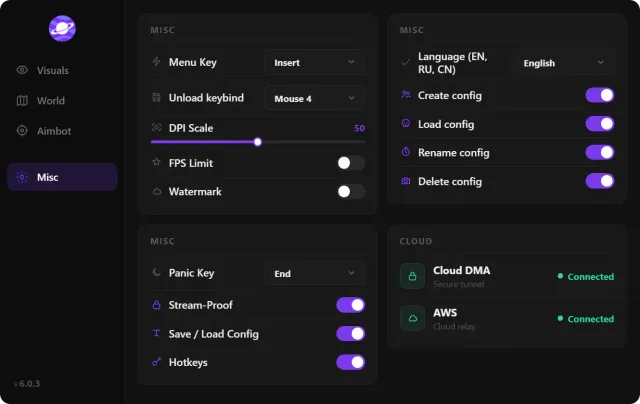
Save ranked and casual presets with create, load, rename, and delete config tools.
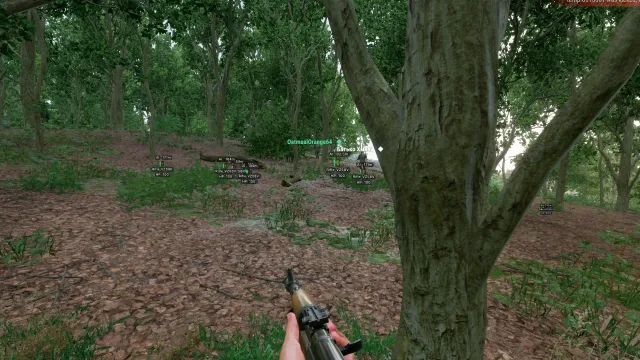
Reduce on-screen noise while keeping distance, weapon, and line-to-enemy intel.
FAQ
Questions about this page
Answers tied to what you are reading—visit the FAQ page for every topic.